
Airflow Hub Grow a Garden 2 Script: Auto Farm Best Keyless Script
63 views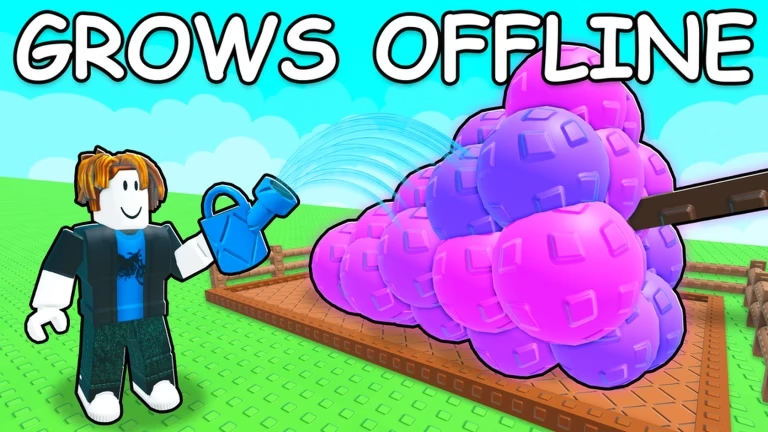

Description
Looking for a reliable, crash-free exploit to handle your overnight grinding? The Airflow Hub Grow a Garden 2 Script is the ultimate keyless solution engineered to automate your entire farming routine flawlessly. Maximize your profits, instantly harvest your yields, and scale your garden size without lifting a finger or lagging your game client.
About The Script
The Airflow Hub for Grow a Garden 2 is a highly optimized, clean automation menu designed specifically for long-session AFK farming. While other scripts tend to cause memory leaks or sudden game crashes during extended play, Airflow’s lightweight framework ensures a smooth, uninterrupted performance. It seamlessly ties together auto-farming, rapid harvesting, and automated shopping algorithms so you can effortlessly rise through the ranks while away from your device.
Script Features
- Seamless Auto Farm: Automates all routine plot tasks and crop management loop cycles with absolute precision.
- Instant Auto Harvest: Safely vacuums and plucks mature crops the exact millisecond they are ready for maximum payout efficiency.
- Smart Auto Shop: Automatically buys essential seed restocks, progression tools, and plot expansions to streamline your growth.
- Ultra-Lightweight Performance: Built with clean code optimized for extended AFK sessions without overheating your device or dropping frames.
- Massive Executor Support: Universally compatible across an extensive lineup of top PC and mobile execution environments.
Compatible Executors: Verified 100% stable on Delta, Codex, Opium, Potassium, Seliware, Synapse Z, Volt, and Wave.
How to Use the Script
Set up your automated AFK farm in less than a minute with these simple steps:
- Launch Your Executor: Open your preferred Roblox exploit tool (such as Delta, Codex, or Wave).
- Enter Grow a Garden 2: Launch the game and wait for your plots, UI, and character assets to load completely.
- Grab the Script Code: Click the copy button below to copy the clean GitHub loadstring to your clipboard.
- Inject the Script: Wipe out any old scripts in your executor’s editor box and paste the new code.
- Run & Automate: Click the “Execute” button to bring up the Airflow Hub GUI interface, switch on your desired features, and let the script print cash for you!
Features
Compatible Executors
Script
loadstring(game:HttpGet("https://api.jnkie.com/api/v1/luascripts/public/2e7744f248436498ecddc205e09f39cdd43fa8800a68da8e30065d904c9f6832/download"))()Comments (0)

No comments yet. Be the first!