GaG 2 OP Script: Grow a Garden 2 Khangdz28 Hub (Keyless)
84 views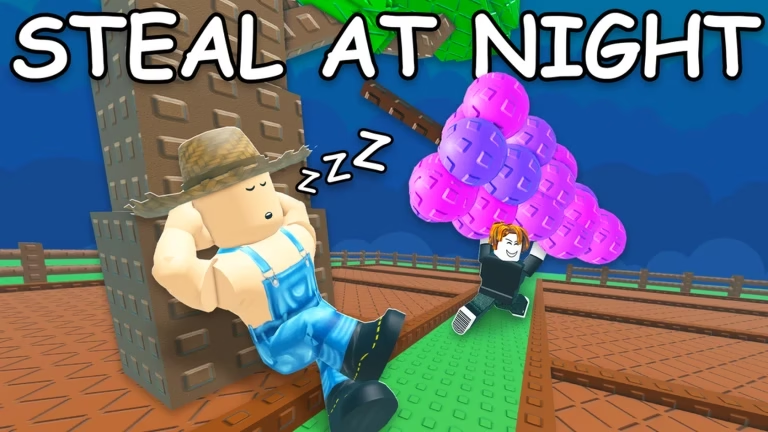

Description
Take full control of the map with the ultimate Grow a Garden 2 OP Script, packed with game-breaking features like Auto Steal and Smart Auto Sell. Stop wasting time manually watering crops or running back and forth to the store when you can automate your entire empire with a single click. This keyless hub gives you an unfair advantage, letting you drain server resources and rank up faster than anyone else.
About The Script
The Grow a Garden 2 Khangdz28 Automation Hub is a premium-tier, feature-rich exploit designed for serious players who want complete control over their farming workflow. Unlike standard scripts, this hub includes advanced logic like a smart inventory filter—allowing you to automatically sell common junk while safely hoarding rare mutations and valuable fruits. Built with a vital Save Settings (Auto Load) feature, it saves your custom configurations so you don’t have to re-tweak your setup every single time you rejoin a new server.
Script Features
- Full Auto Farming System: Seamlessly automates planting, watering, and harvesting to keep your plots generating cash 24/7.
- Exclusive Auto Steal: Loot and sneakily gather resources effortlessly across the map to supercharge your inventory.
- Smart Auto Sell Filter: Instantly clears out excess crops for quick cash while keeping your rarest and most valuable mutations safe.
- Auto Buy Seeds & Tools: Automatically restocks your inventory with essential seeds and tool upgrades the second you have the funds.
- Config Save Settings: Stores your preferred GUI configuration so your automation toggles reload instantly upon rejoining.
- Enhanced Player Utilities: Built-in speed and movement modifications to help you navigate the game world effortlessly.
Compatible Executors: Fully tested and 100% stable on Delta, Codex, Xeno, and Synapse Z (Mobile & PC).
How to Use the Script
Get the hub up and running in under a minute by following these simple steps:
- Open Your Executor: Fire up your choice mobile or PC Roblox executor (like Delta or Codex).
- Load Grow a Garden 2: Launch the game and ensure your plot, inventory, and UI elements are fully loaded.
- Copy the Loadstring: Click the copy button below to copy the official Luarmor script link.
- Paste the Code: Clear your executor’s text box and paste the script code directly inside.
- Execute & Configure: Press “Execute” to bring up the Khangdz28 GUI menu, toggle your farming preferences, and save your settings for seamless future runs!
Features
Compatible Executors
Script
loadstring(game:HttpGet("https://api.luarmor.net/files/v4/loaders/02aa406b5f08148ae778a67d87955a88.lua"))()Comments (0)

No comments yet. Be the first!